Your windows go straight between your Macs
 Beam 3 min read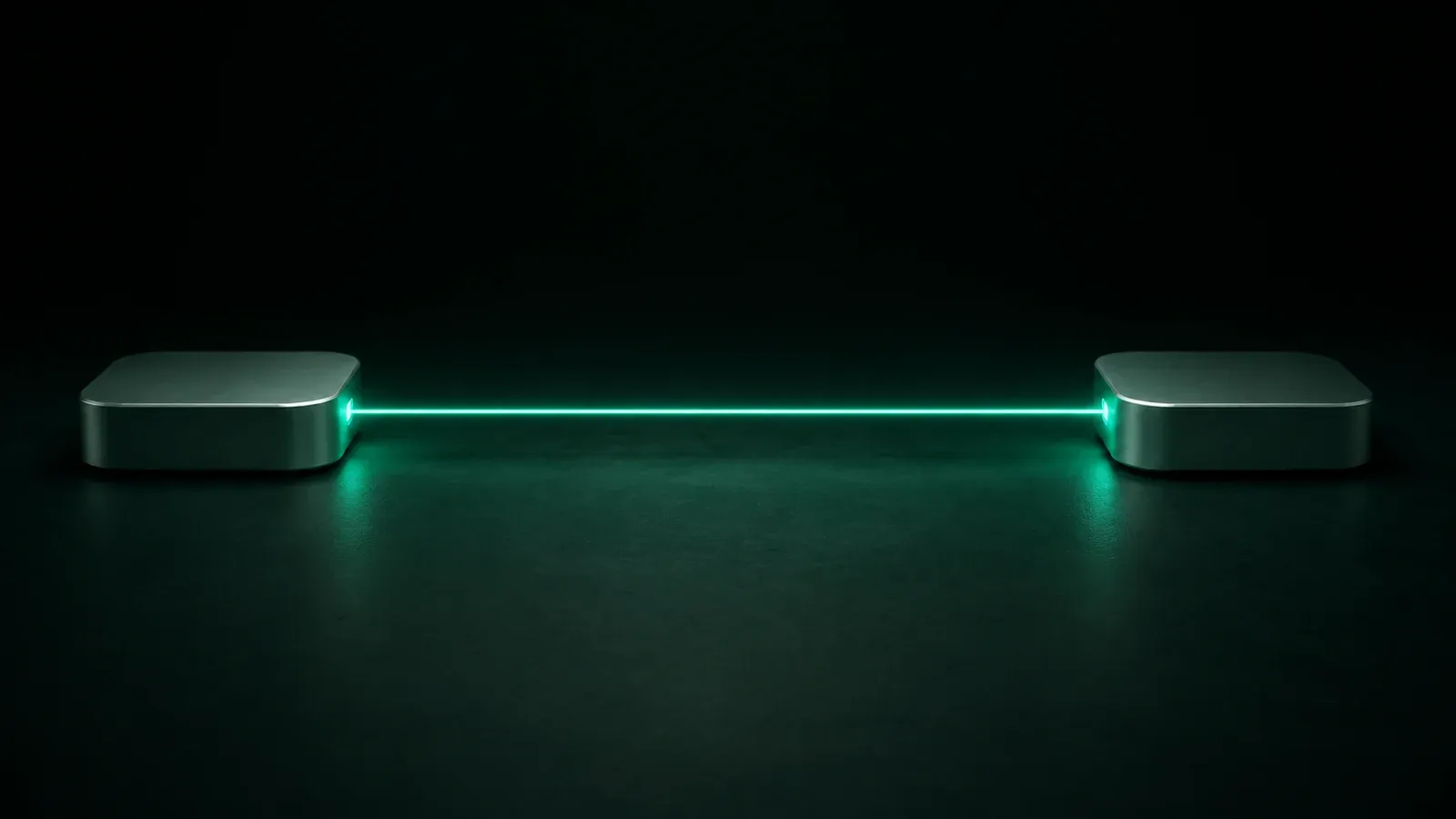
Most remote-desktop tools have a server in the middle. You sign in, the server finds your machines, and your screen travels through it on the way to you. That is convenient and it is also a third party in the path, and one more place your work exists.
Beam has no server in the middle. You sign in to an account that knows your Macs and your plan, never what is on them. When you beam a window, the picture, your keyboard and mouse input, and the clipboard if you have clipboard sync on, go straight from one of your Macs to the other. We are not in the path and cannot see any of it.
How your Macs connect
Sign in once and your Macs find each other. The connection is encrypted and pinned to Macs you trust.
When the Macs are apart, Beam uses your Tailscale tailnet. Tailscale gives your machines a private network that reaches across the internet, and Beam runs over it like it would over your Wi-Fi.
What leaves a Mac, and to whom
Here is the list.
- The other Mac. The window's picture, your input, and the clipboard if sync is on. Encrypted and pinned to Macs you trust.
- beam.win. An update check, about once a day and when you ask for one, carrying the app's name and version and nothing else. Updates download from updates.beam.win.
A signed-in Mac also checks in with your account while you beam, never with which Mac you are looking at or what is in the window. A Mac you only beam into, and never sign in on, sends us nothing. Beam has no analytics, no crash reporting and no telemetry. If something goes wrong and you want to tell us, the app zips its diagnostics onto your Desktop and you decide whether to attach them to an email.
Guest links
A guest link opens one of your windows in a browser, on any device, for someone who does not have Beam. It works the same way: the Mac that owns the window serves that page itself, to whoever opens the link. Nothing is uploaded anywhere. It is view only unless you say otherwise, and it lasts an hour unless you choose 8 hours, a day or a week.
Why we stay out of the path
No server means no magic reachability. When your Macs are apart, they need a private route between them, such as your tailnet, because nothing of ours carries the connection. Setting up Tailscale is a few minutes of work, and it is work we have chosen not to do for you, because the alternative is being in the path.
We think that is the right trade for a tool that can show you another Mac's windows. What you beam is yours, and it goes straight between your Macs.
More from the blog
-
Keep your desktop routine across two Macs
Use Mission Control to organize your work, then share the other Mac’s display in Beam and test desktop navigation.
-
Frame rate or sharpness: Beam chooses for you
Beam automatically keeps text sharp while a window is still and motion smooth when video, animation, or scrolling starts.
-
Can another Mac open the Lock Screen?
Prepare and test trusted Mac-to-Mac access before leaving, with clear checks for the Lock Screen, sleep, restart, FileVault, and privacy.