Beam Wallpapers.
Free for every Mac.
Glowing ribbons of light in five colours, sized for 4K displays and MacBooks.
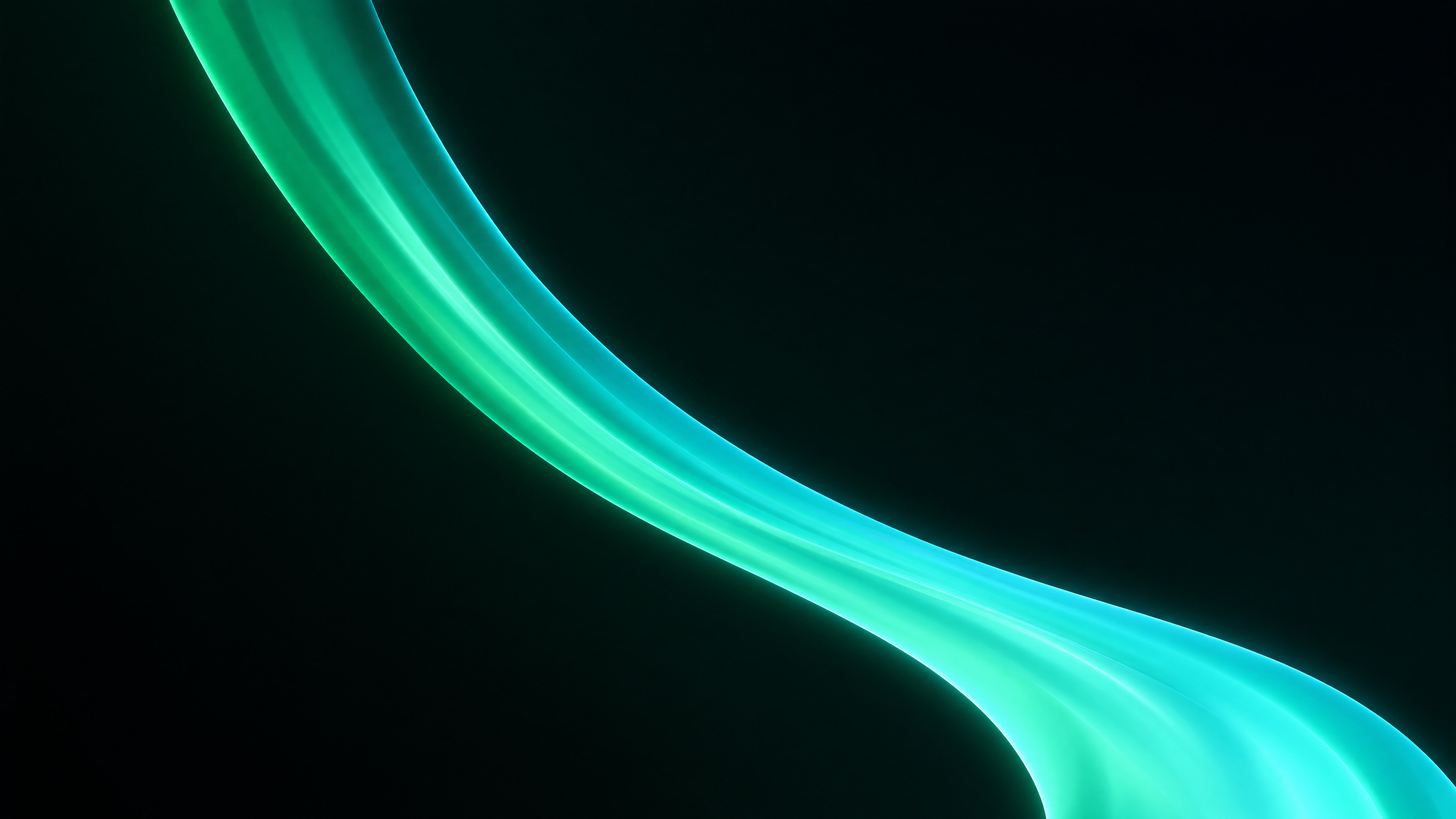
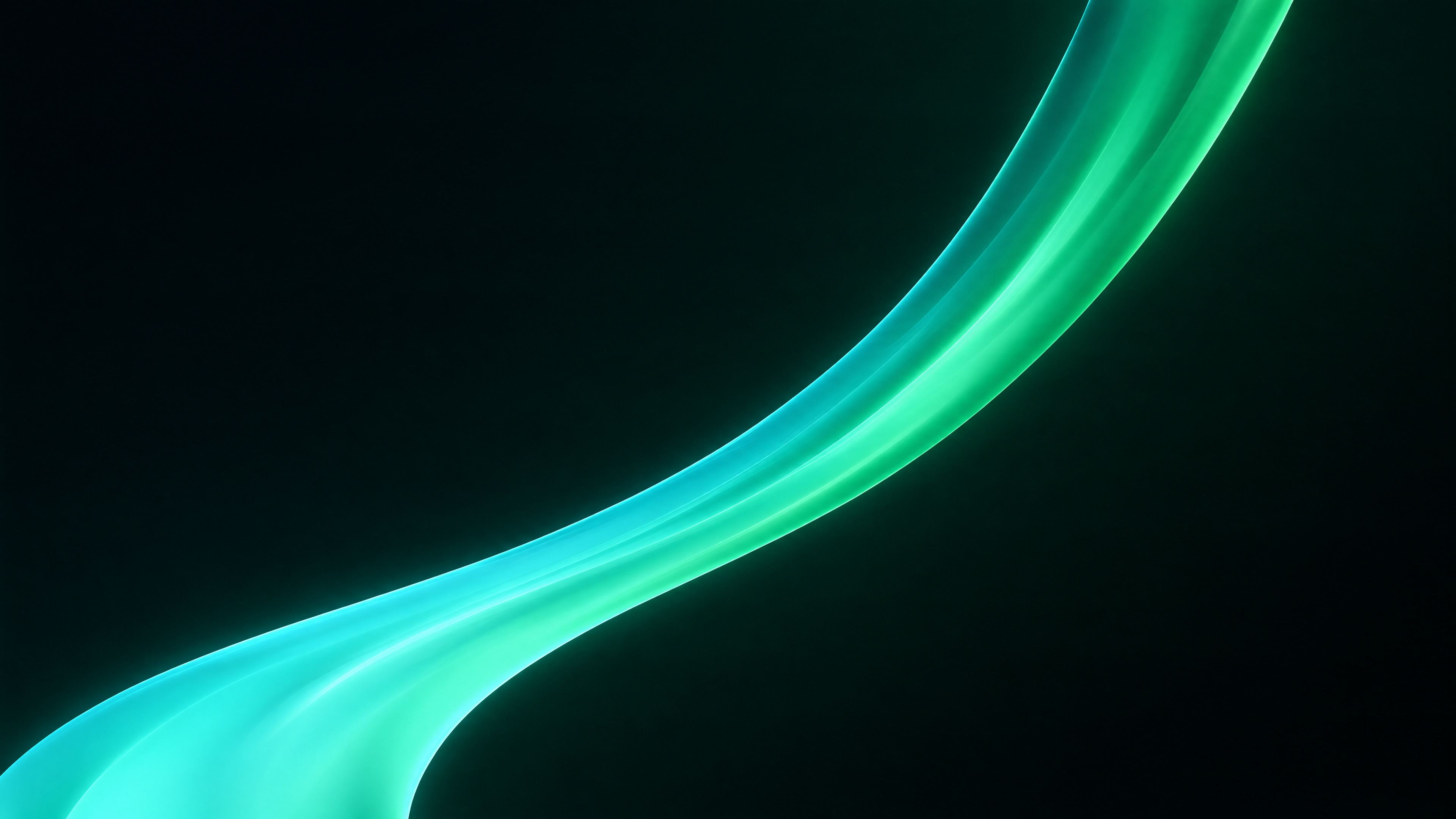
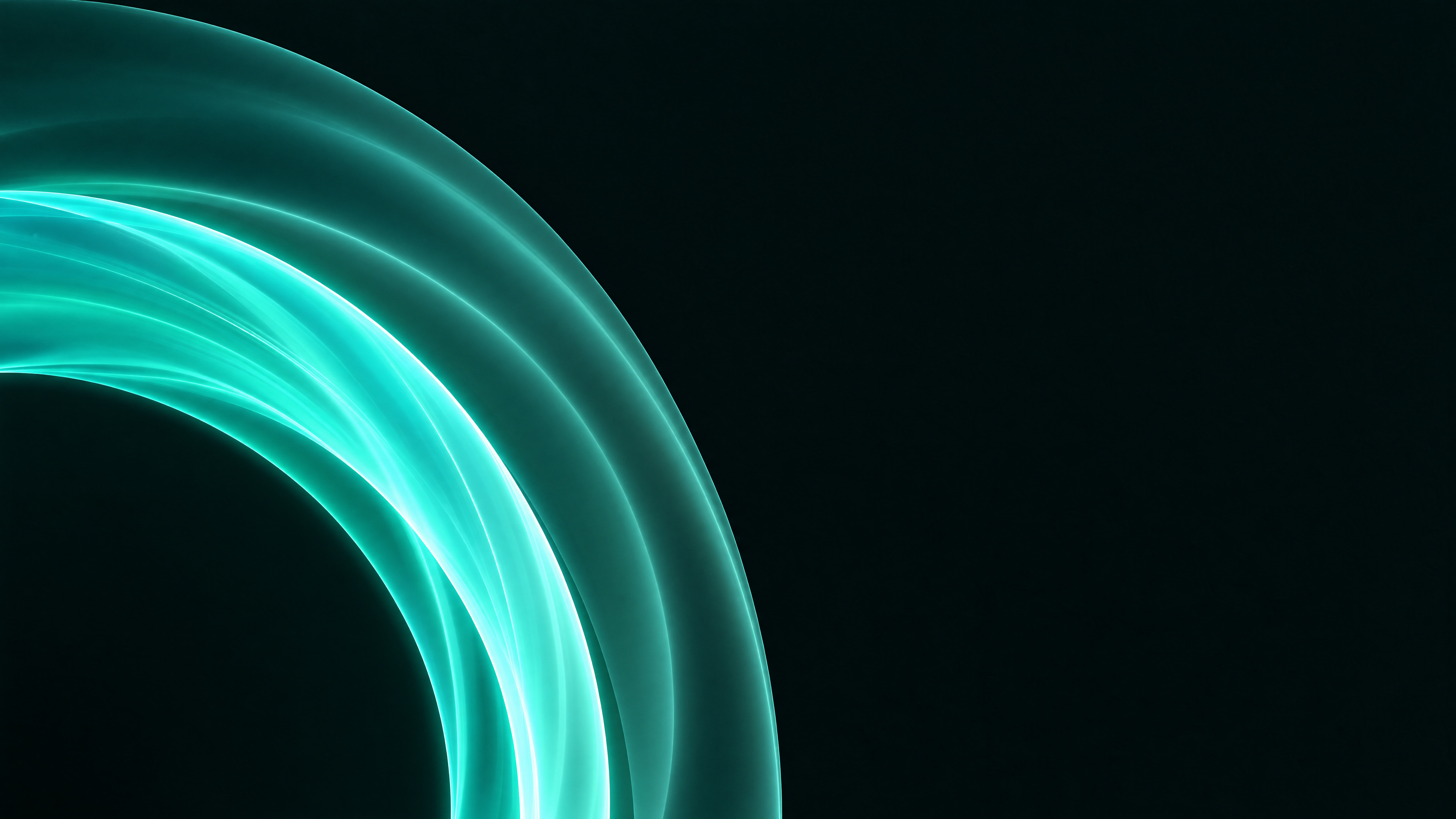
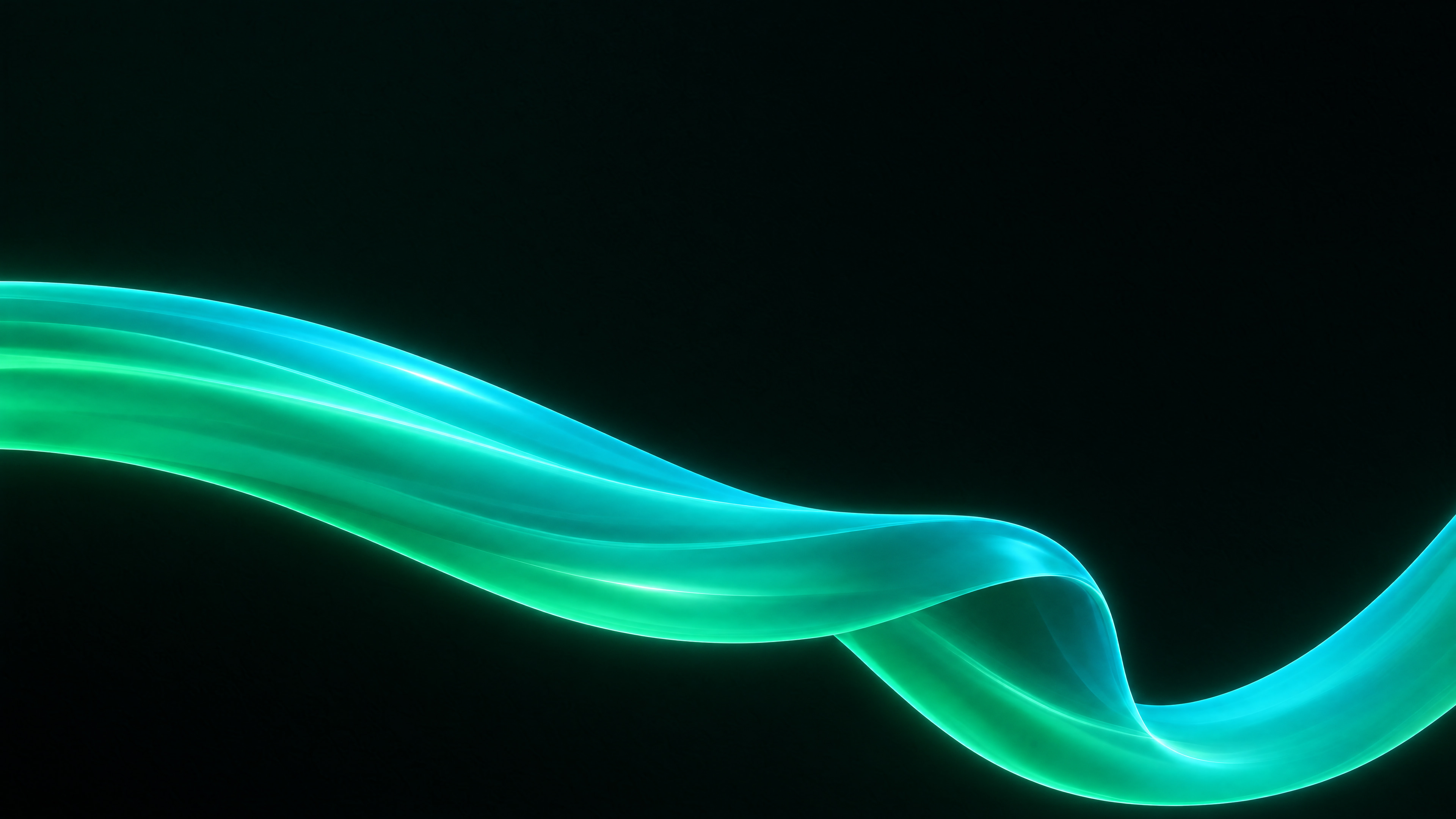
Teal wallpapers.
Beam’s own colour, glowing on black.
Blue wallpapers.
Cool blues for a calm desk.
Violet wallpapers.
Violet, orchid and indigo on black.
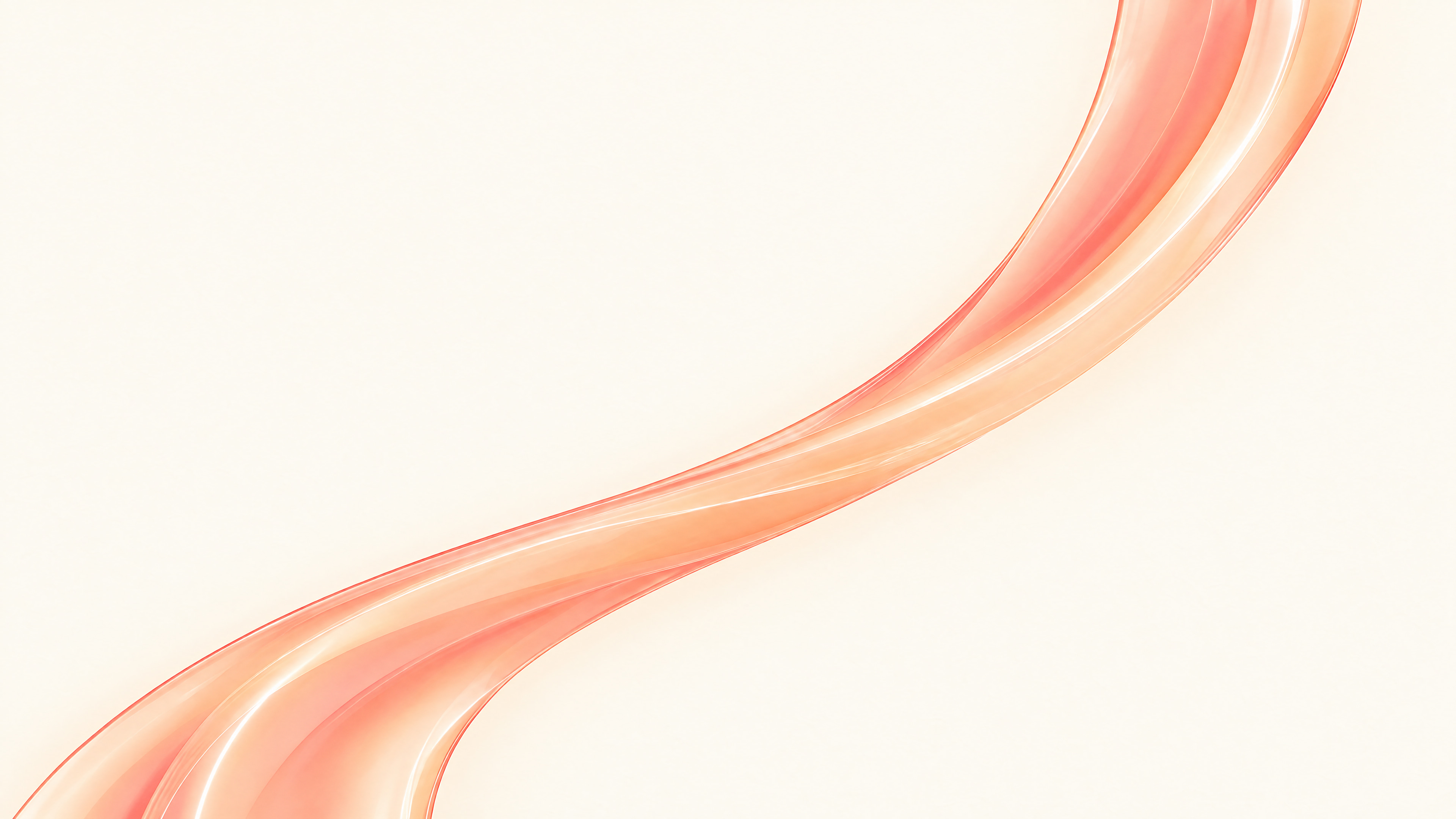
Warm wallpapers.
Amber, gold and red for a warmer desk.
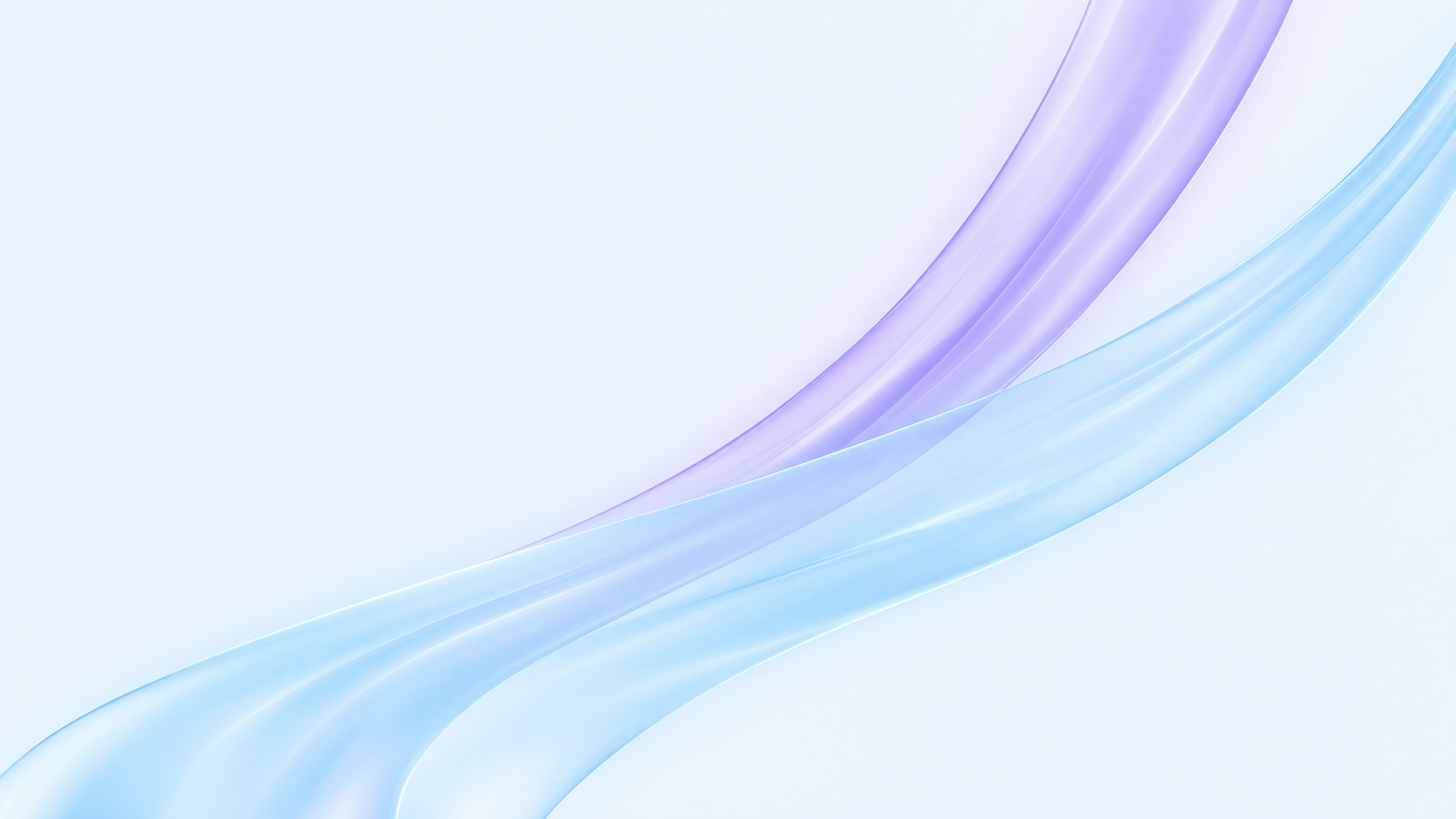
Light wallpapers.
Bright glass ribbons made for Light Mode.


Questions.
Are they really free?
Yes. Download as many as you like and use them on every Mac you own. No sign up, no email.
Which size should I pick?
4K for a 4K display, a Studio Display or an iMac. MacBook for a MacBook Air or MacBook Pro, cropped to fit its taller screen.
How do I set one as my wallpaper?
Right-click the file in Finder and choose Set Desktop Picture. Or open System Settings, then Wallpaper, then Add Photo.
Do they suit Dark Mode?
The teal, blue, violet and warm ones glow on black, made for Dark Mode. The light ones are made for Light Mode.
Will they look sharp on a 5K or 6K display?
Yes. Each one is made at 4K, not stretched from something smaller, and the soft light scales up cleanly to fill a bigger screen.
Can I share them?
Please do. Send people the link to this page, so they get every size.
What is Beam?
A Mac app that shares windows between your Macs. Open an app on one Mac and use it on another, as if it were right there.
Set it on every Mac you own.
Then use them all from one. Beam brings any window from any Mac to the one you’re at.